
Best PC Builds for Gaming in 2026: Three Budgets, Explained
A gaming PC is a balancing act — the fastest processor in the world won't help if the graphics card can't keep up. Here are three builds that stay balanced, and why each part is there.
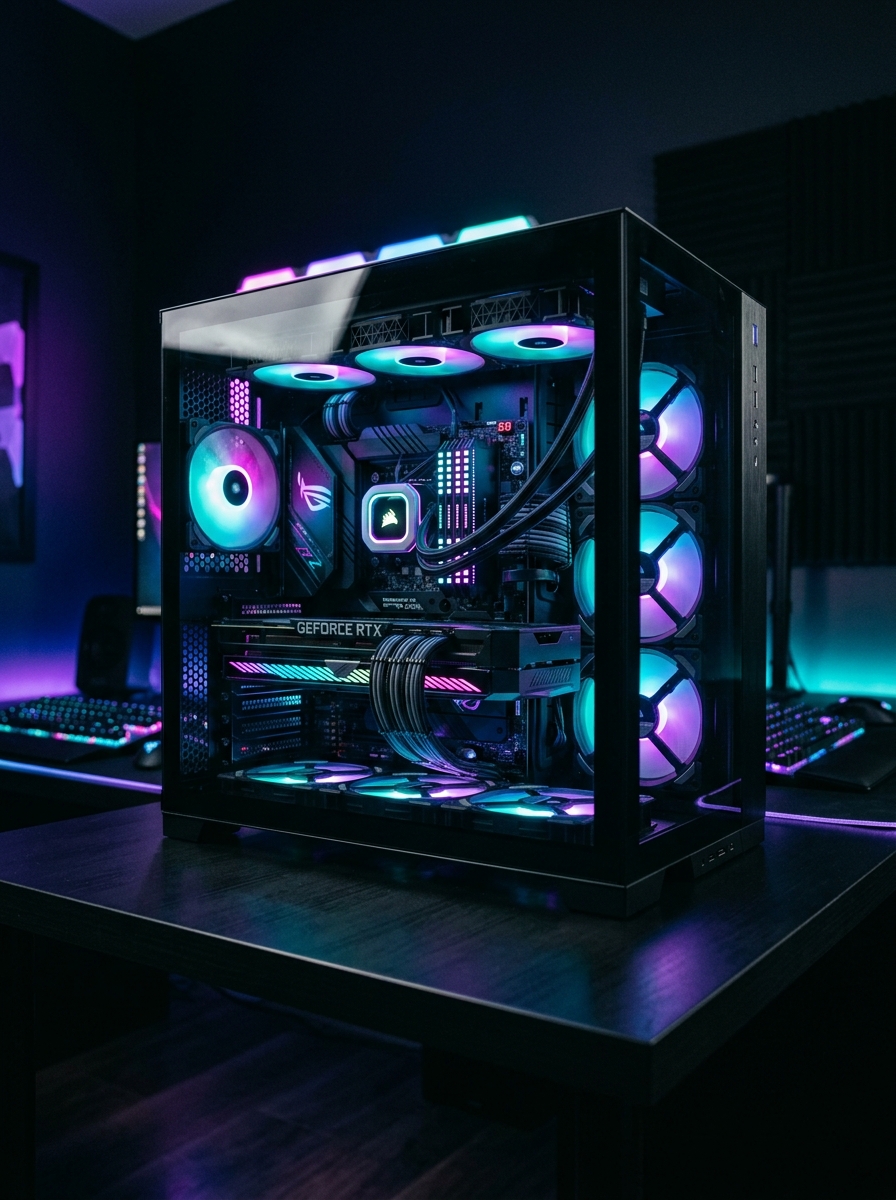
The single most common mistake in a first gaming build is spending too much on the processor and too little on the graphics card. For gaming, the GPU does the overwhelming majority of the work. A mid-range CPU paired with a strong GPU will beat the reverse arrangement in almost every game.
Below are three builds that stay balanced at their price point. You can configure any of them — and change any part — in our PC builder, then send the configuration straight to us for a quote.
First, decide the resolution
Resolution drives the entire budget, so settle it before anything else. Buying a 4K monitor and then a mid-range card is how people end up disappointed.
| Resolution | What it demands | Sensible GPU tier |
|---|---|---|
| 1080p high refresh | Least demanding, easiest to drive | RTX 5060 / 5060 Ti |
| 1440p | The current sweet spot for price-to-quality | RTX 5070 / 5070 Ti / RX 9070 XT |
| 4K | Roughly twice the work of 1440p | RTX 5080 / 5090 |
Build 1 — 1080p, the sensible entry point
- Processor: Intel Core i5-14400F or AMD Ryzen 5 9600X
- Graphics: GeForce RTX 5060 8 GB
- Memory: 16 GB DDR5-6000
- Storage: 1 TB NVMe Gen4
- Power supply: 650 W 80+ Gold
- Cooling: Tower air cooler
This runs essentially every current title at 1080p with high settings and comfortable frame rates. The F-suffix on the Intel chip means no integrated graphics — fine when you have a dedicated card, and it saves a little money. Worth knowing: if the graphics card ever fails, an F chip leaves you with no display output at all until it's replaced.
Build 2 — 1440p, the one most people should buy
- Processor: AMD Ryzen 7 9800X3D
- Graphics: GeForce RTX 5070 Ti 16 GB
- Memory: 32 GB DDR5-6000 CL30
- Storage: 2 TB NVMe Gen4
- Power supply: 850 W 80+ Gold, ATX 3.1
- Cooling: 240 mm liquid cooler
The 9800X3D deserves its reputation. Its stacked cache is unusually effective in games specifically, and it often beats far more expensive chips in exactly that workload while drawing less power. If the machine is primarily for gaming, this is the chip to want.
Note the ATX 3.1 power supply. Current-generation cards draw brief power spikes well above their rated average, and older units sometimes trip their protection and shut the system down under those spikes. This is a real cause of "my new PC randomly restarts in games", and it is entirely avoidable by sizing the supply properly.
Build 3 — 4K, no compromises
- Processor: AMD Ryzen 9 9950X or Intel Core Ultra 7 265K
- Graphics: GeForce RTX 5080 16 GB or RTX 5090 32 GB
- Memory: 64 GB DDR5-6000
- Storage: 2 TB NVMe Gen5 plus a 4 TB hard disk
- Power supply: 1000 W 80+ Platinum
- Cooling: 360 mm liquid cooler, mesh-front full tower
At this level the machine is usually doing more than gaming — rendering, streaming, compiling — which is why the core count and memory go up. If it is purely for games, the money is better spent on a 5090 with a cheaper CPU than the reverse.
The parts people underspend on, and regret
Power supply
The one component whose failure can take other components with it. Buy a known unit with an 80+ Gold rating and enough headroom. This is not the place to save two thousand rupees.
Cooling and case airflow
A powerful chip in a sealed case with one exhaust fan will throttle — it deliberately slows itself down to avoid overheating — and you lose the performance you paid for. Mesh fronts move meaningfully more air than glass ones. Every machine we build gets stress-tested before handover for exactly this reason.
The monitor
A ₹1.5 lakh PC attached to a 60 Hz office monitor is throwing away most of what it can do. If the build targets high frame rates, the display has to be able to show them — 144 Hz or better.
Prebuilt or custom?
Branded prebuilts are convenient and come with a single warranty contact. Custom builds give you better parts for the same money — particularly the power supply and cooling, which is where prebuilts most often economise — and every part keeps its own manufacturer warranty.
We assemble in-store, cable-manage, install and update the OS, stress-test under load, and hand over a machine that boots. If something fails in year two, it walks back in through the same door.
Configure any of these builds part by part and send the whole spec to us on WhatsApp for a quote.
Open the PC builder →Net Computers has been on the same counter in Raigarh since 2000. Walk in beside Hotel Tulsi, Ramnivas Talkies Chowk, or call 942-557-0330.
942-557-0330