
Ink Tank vs Laser: Choosing a Printer for Home, Shop or Office
The purchase price is the small number. What decides the real cost is what a page costs to print, and that depends entirely on which technology you pick.
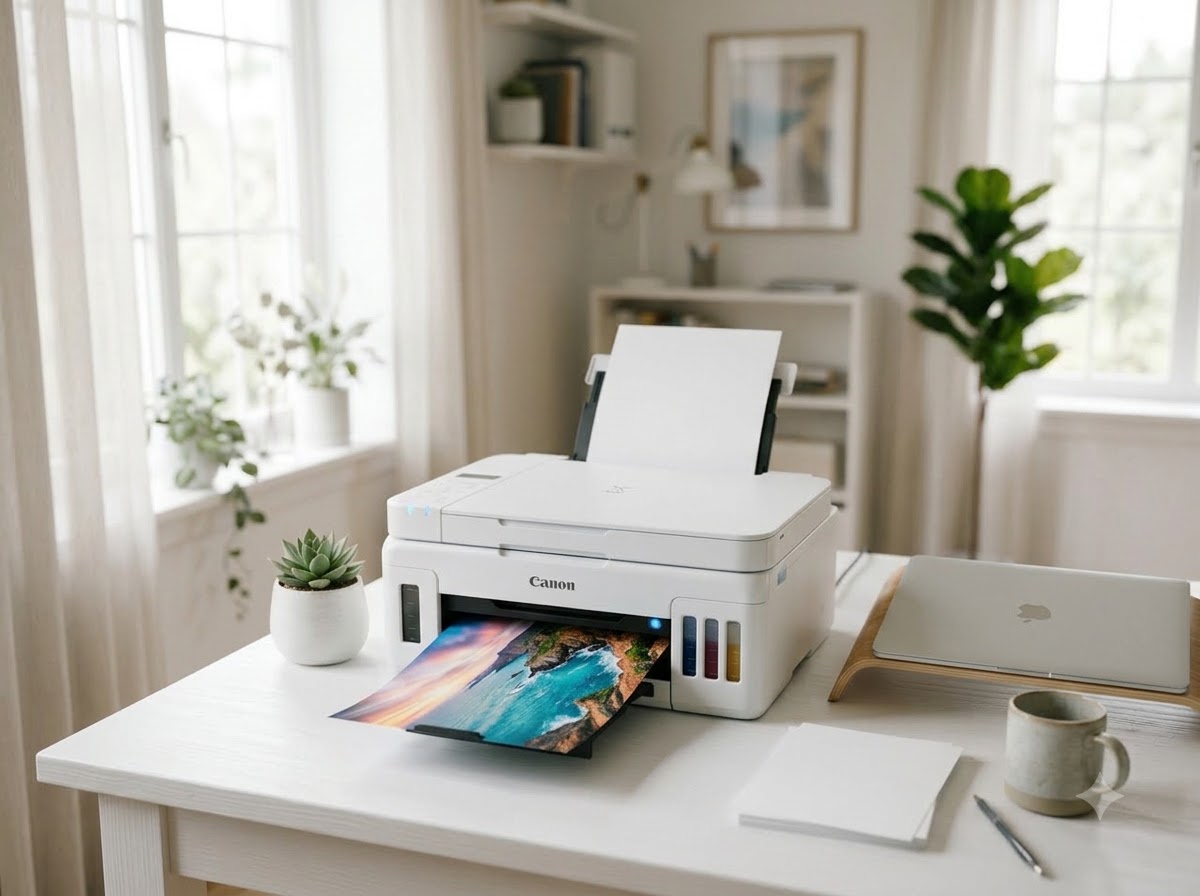
Short answer: if you print mostly black text, buy a laser. If you print colour — photos, charts, school projects — buy an ink tank. Cartridge-based inkjets, the ones with small snap-in cartridges, are the trap: cheap on the shelf and brutally expensive per page.
The number that actually matters: cost per page
A printer's purchase price is paid once. Consumables are paid for years. A machine that costs three thousand rupees less but doubles your per-page cost is more expensive within months if you print at any volume.
| Type | Rough cost per B&W page | Best for |
|---|---|---|
| Ink tank (refillable) | Very low | Colour, mixed home use, schools |
| Monochrome laser | Very low | High-volume text, offices, shops |
| Colour laser | Moderate | Offices needing colour documents |
| Cartridge inkjet | High | Genuinely occasional printing only |
Ink tank printers
Ink tank models replaced cartridges with refillable reservoirs you top up from bottles. The bottles cost a fraction of cartridges per millilitre, which is why the running cost collapses. This is the default recommendation for homes and schools, and it is what most customers here end up buying.
- Strengths: very low running cost, genuine colour, photo-capable, refills widely available.
- Weaknesses: slower than laser on long text jobs, and the print head can clog if the machine sits unused for weeks.
That last point is the one people get caught by. An ink tank printer that prints nothing for two months will often need head cleaning before it prints properly again. If yours will sit idle for long stretches, print a single colour page every couple of weeks — it takes seconds and prevents the most common service call we get.
Laser printers
Lasers fuse powdered toner onto the page with heat. There is no liquid ink to dry out, which makes them far more tolerant of sitting idle, and they are dramatically faster on long documents.
- Strengths: fast, sharp text, toner never dries out, very low cost per page, high monthly duty cycles.
- Weaknesses: colour models cost considerably more, and they're poor at photographs.
For a shop printing bills, an office printing documents, or anywhere printing hundreds of black-and-white pages a month, a monochrome laser is almost always the right machine.
Do you need multifunction?
A multifunction (MFP) adds scanning and copying. For most offices and homes, yes — a separate scanner is rarely worth the desk space. Two features worth paying attention to:
- ADF (automatic document feeder) — feeds a stack of pages automatically. Transformative if you scan multi-page documents; irrelevant if you scan one page a month.
- Duplex — prints both sides automatically. Halves your paper cost and pays for itself quickly at volume.
Connectivity, and one warning
Wi-Fi printing is genuinely convenient, especially for a household printing from phones. But a printer on Wi-Fi is only as reliable as the network — if it keeps dropping off, the fix is usually a fixed IP address rather than a new printer. We set that up as part of installation.
For a shop counter where printing must never fail, keep a USB cable connected as well. It costs nothing and removes an entire category of problem.
A note on third-party ink and toner
Refilling with cheap ink is common, and we do refills. But it's worth being straight about the trade-off: poor-quality ink is the most frequent cause of clogged print heads we see, and a head replacement can cost more than the ink ever saved. If you're refilling, use decent ink — the saving over genuine is still substantial.
Tell us roughly how many pages a month, and whether you need colour. We'll point you at the right machine and quote it.
Ask about a printer →Net Computers has been on the same counter in Raigarh since 2000. Walk in beside Hotel Tulsi, Ramnivas Talkies Chowk, or call 942-557-0330.
942-557-0330