
Interactive Smart Panels for Classrooms: A School's Buying Guide
Smart panels replaced projectors for good reasons. But the specification that matters for a classroom is not the one on the brochure.
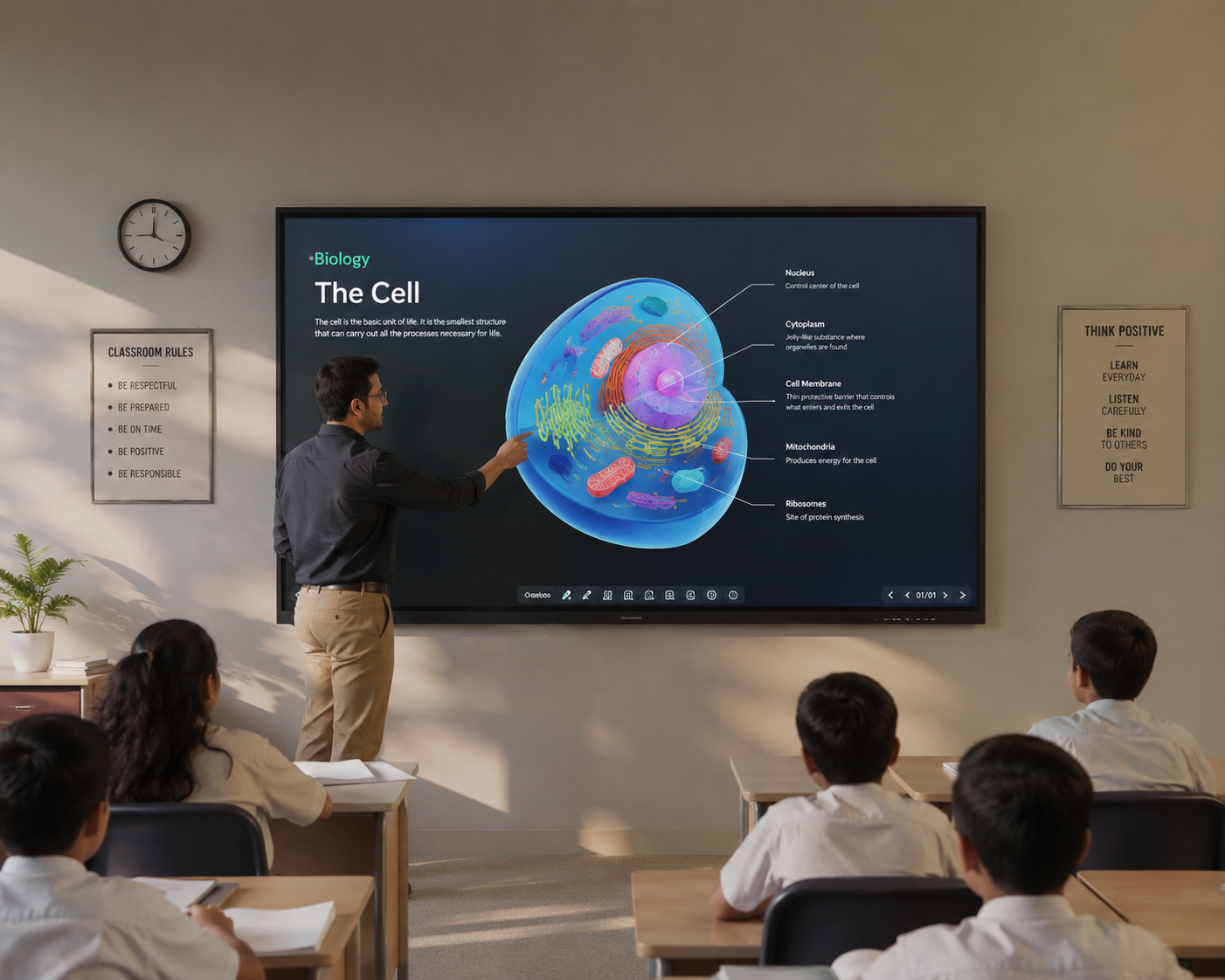
The most common specification mistake schools make is buying a panel that's too small for the room. A 65-inch panel is only comfortable for the back row in a small classroom. For a standard 30–40 student room, 75 inches is the sensible minimum, and 86 inches for a large hall.
Get that wrong and students at the back genuinely cannot read the text — which quietly undermines the entire investment.
Sizing the panel to the room
| Room depth | Students | Panel size |
|---|---|---|
| Up to 6 m | 20–30 | 65" |
| 6–8 m | 30–45 | 75" |
| 8 m and above, halls | 45+ | 86" or larger |
A rough working rule: the furthest student should sit no more than about six times the panel's height away from it. Measure the back row before deciding — it's a five-minute check that prevents an expensive mistake.
The specifications that matter
Resolution
4K on anything 65 inches or larger. At this size a 1080p panel shows visibly soft text at the front of the room, and text legibility is the whole point.
Touch points and response
Look for 20-point touch, which lets several students work at the board simultaneously — genuinely useful in primary classrooms. Low touch latency matters more than the spec sheet suggests: laggy writing feels wrong and teachers quietly stop using the annotation features.
Brightness and glare
Classrooms here get bright. Aim for at least 350 nits and insist on an anti-glare surface. A glossy panel opposite a window is unusable for part of the day, and no amount of curtain solves it properly.
Durability
Toughened anti-glare glass, rated 7H or better. These panels get touched by hundreds of students a day and occasionally hit with a bag.
What a complete installation includes
The panel is roughly two-thirds of the job. Schools that budget only for the panel usually find the remaining pieces arriving as unwelcome extras:
- Wall mount or mobile stand. Fixed mounts are cheaper and more secure; trolleys let one panel serve several rooms.
- Electrical work — a dedicated point at the right height, ideally on the same phase as the rest of the room.
- Power protection. A stabiliser or UPS. Panels are sensitive to supply fluctuation and this is not an optional extra here.
- Networking — Wi-Fi coverage that actually reaches the classroom, or a wired point.
- Teacher training. The single biggest determinant of whether the panel gets used after the first month.
- Content and software licensing, if you want ready-made lesson material.
The mistake that wastes the whole budget
We have walked into schools where panels installed a year earlier were being used as ordinary whiteboards, or left switched off. In every case the cause was the same: nobody trained the teachers properly, so the staff defaulted to what they already knew.
Budget for training as seriously as for hardware, and plan a refresher a few months in, once staff have real questions. A well-used 65-inch panel beats an unused 86-inch one comprehensively.
Planning a phased rollout
- Start with two or three rooms rather than the whole school — usually the science and mathematics rooms, where visual explanation helps most.
- Train that group of teachers thoroughly and let them become the internal champions.
- Review after a term: what's being used, what isn't, and what the staff actually asked for.
- Expand with what you learned, rather than committing the whole budget upfront.
Installation and support in Raigarh district
We supply, install and service interactive flat panels in 65, 75 and 86 inch sizes for schools, coaching institutes and offices across Raigarh district — including mounting, electrical work, networking, staff training and ongoing maintenance. Bulk quotations and GST invoicing as standard.
If you're also considering immersive content, our fotonVR labs pair well with a smart classroom rollout.
Tell us the room sizes and how many classrooms, and we'll put together an institutional quote.
Request a school quote →Net Computers has been on the same counter in Raigarh since 2000. Walk in beside Hotel Tulsi, Ramnivas Talkies Chowk, or call 942-557-0330.
942-557-0330